 Web + Android
Global Radio Plus
Live radio from around the world, made simple. Explore by country, language, or genre and listen without an account.
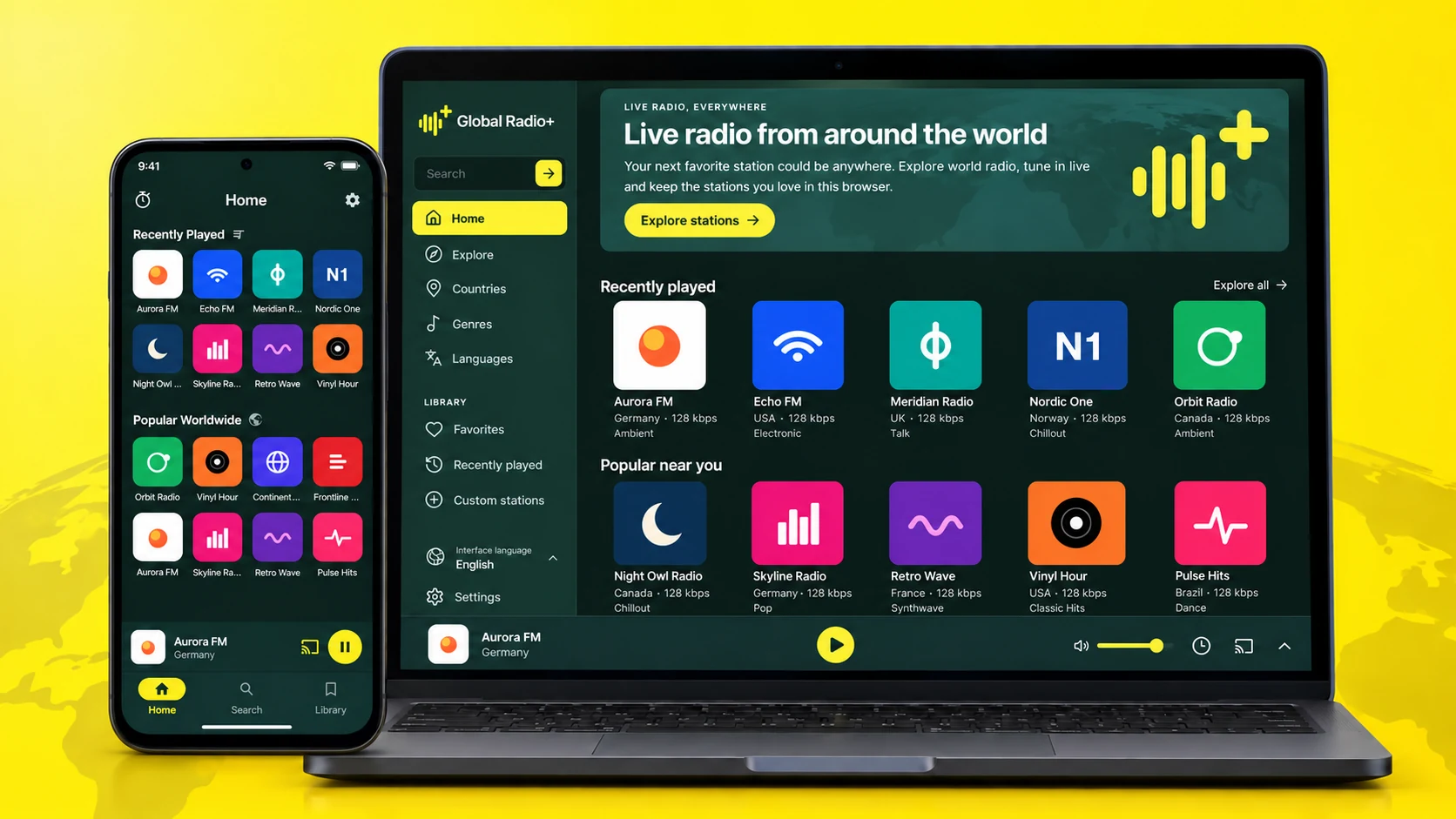
One world. More ways to listen.
Open the web player in a supported browser or install the Android app for a dedicated place on your phone. The same calm approach runs through both.
Station directory powered by Radio Browser
Overview
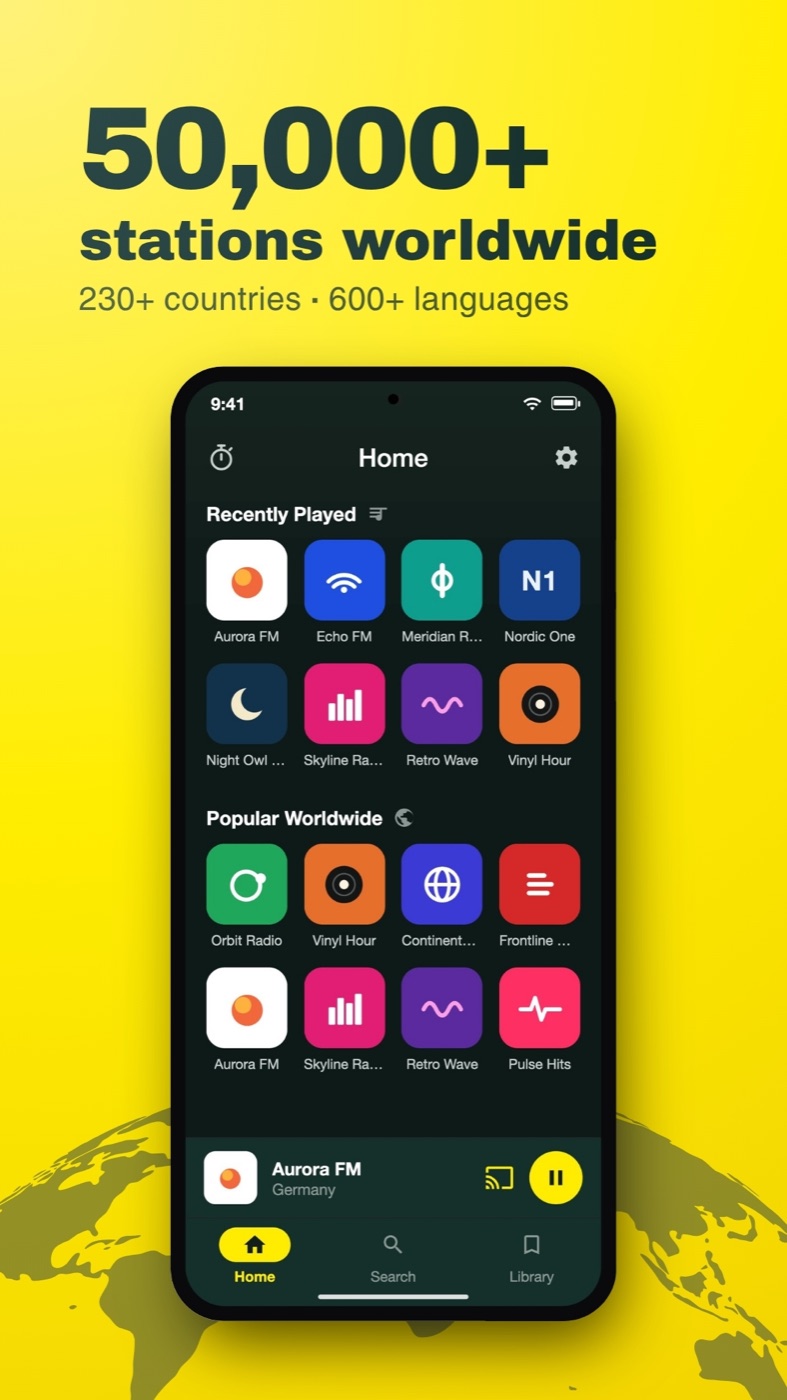
Global Radio Plus brings live stations from around the world into one quiet interface. Browse the community-powered directory by country, language, or genre, or add a stream you already know.
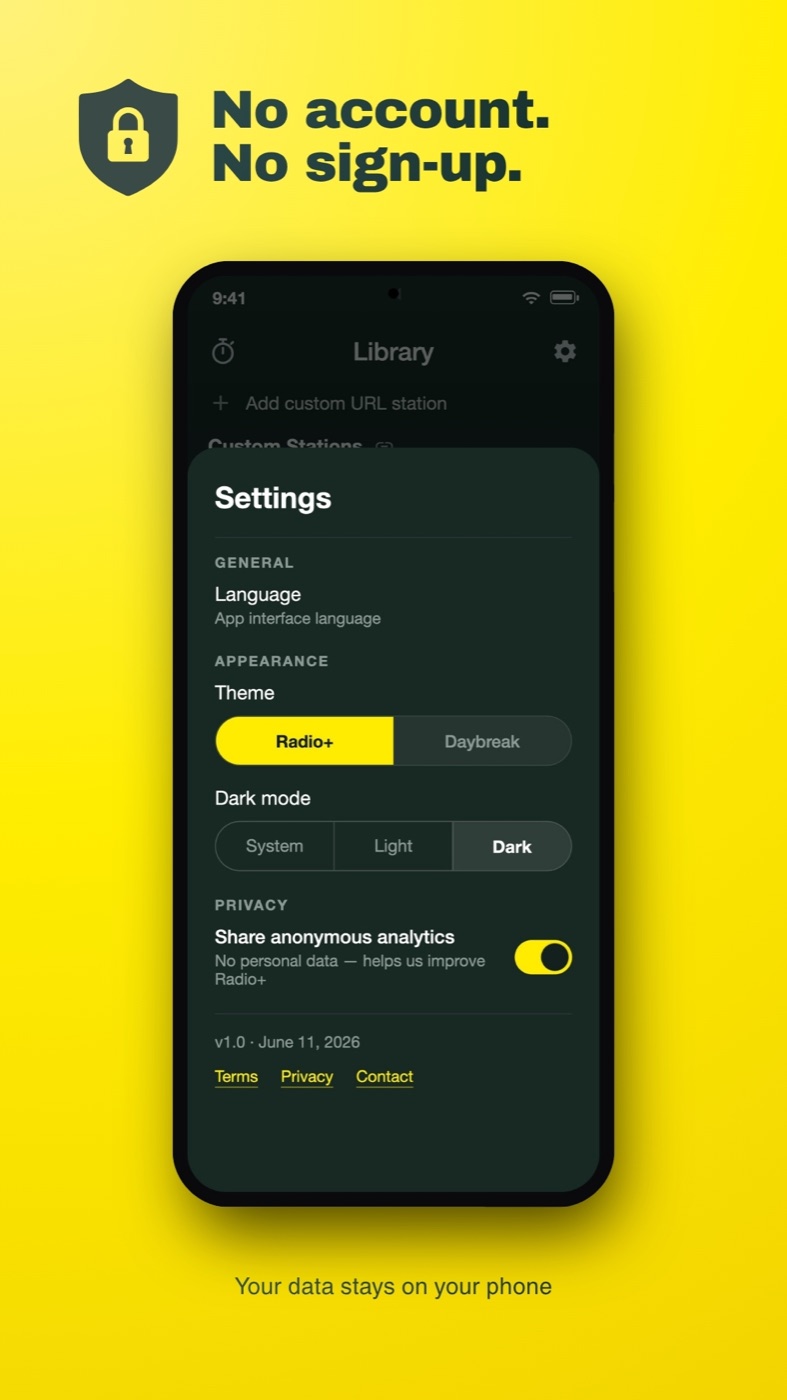
No sign-up is required. Your favourites and listening library stay local to the browser or Android device you use, so they are private to that installation and do not sync between devices.
Web or Android
Choose the version that fits the moment.
The web player starts in your browser with no installation. The Android app lives on your phone as a dedicated player. Both let you explore stations and keep local favourites; because there is no account, those favourites do not sync between the web and app.
What's inside
Explore the directory
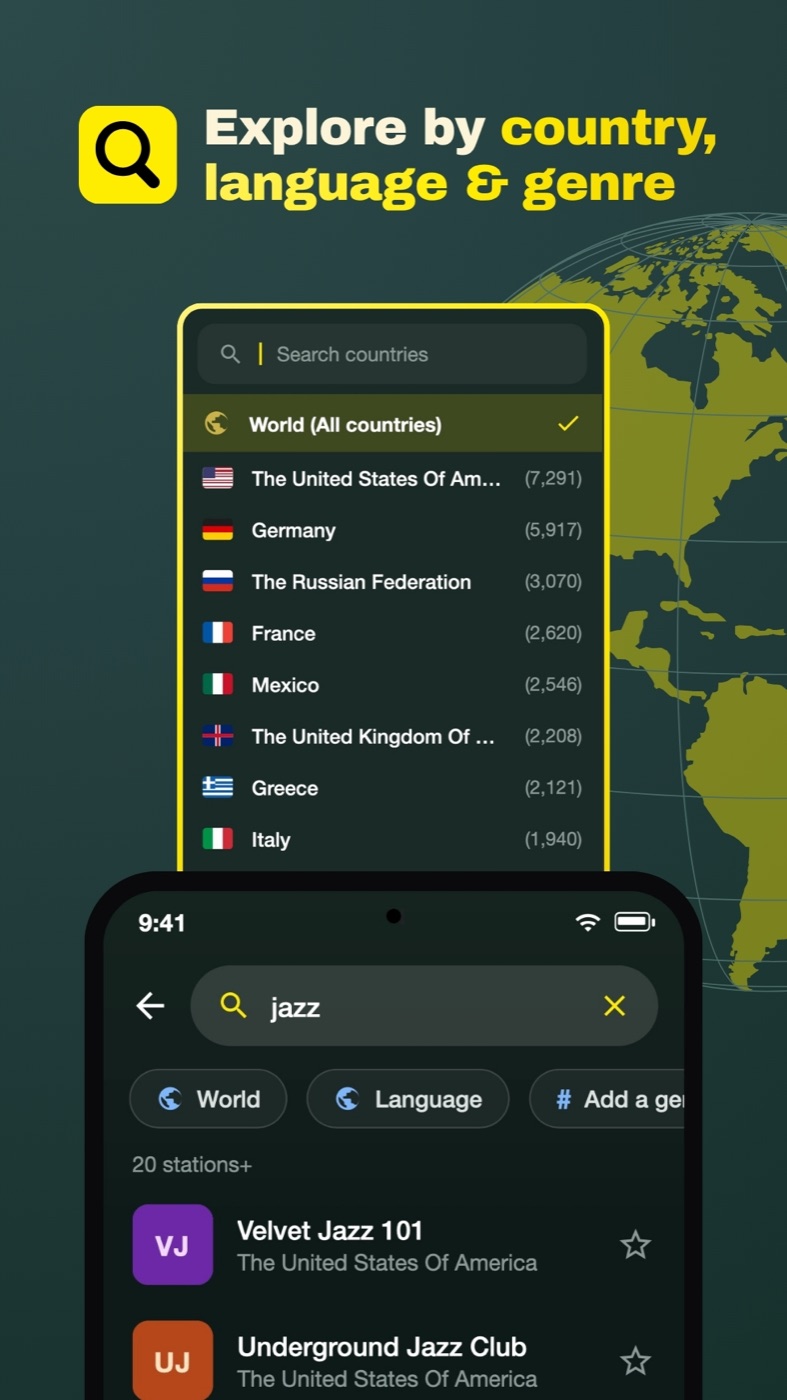
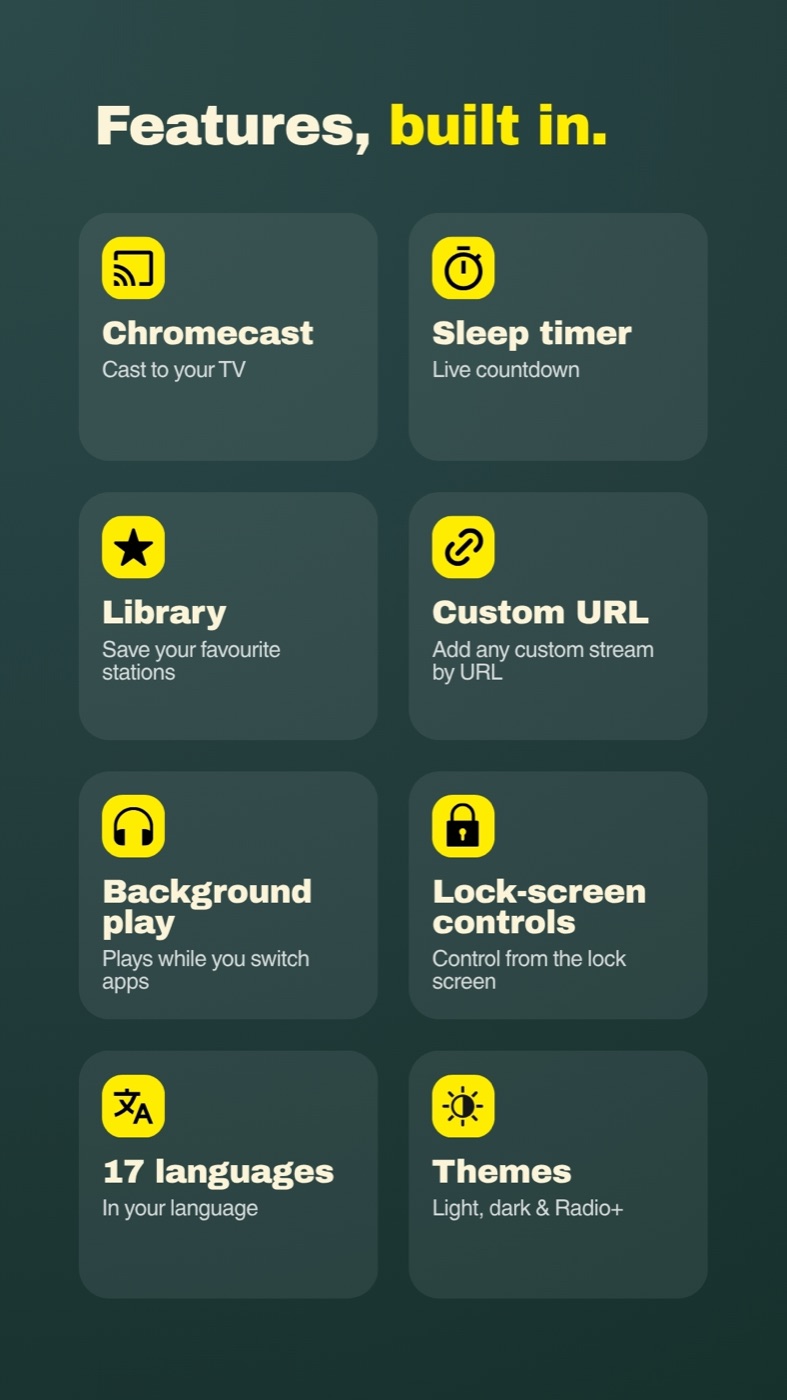
Move through live radio by country, language, or genre, then search when you already have a station in mind.
Build a local library
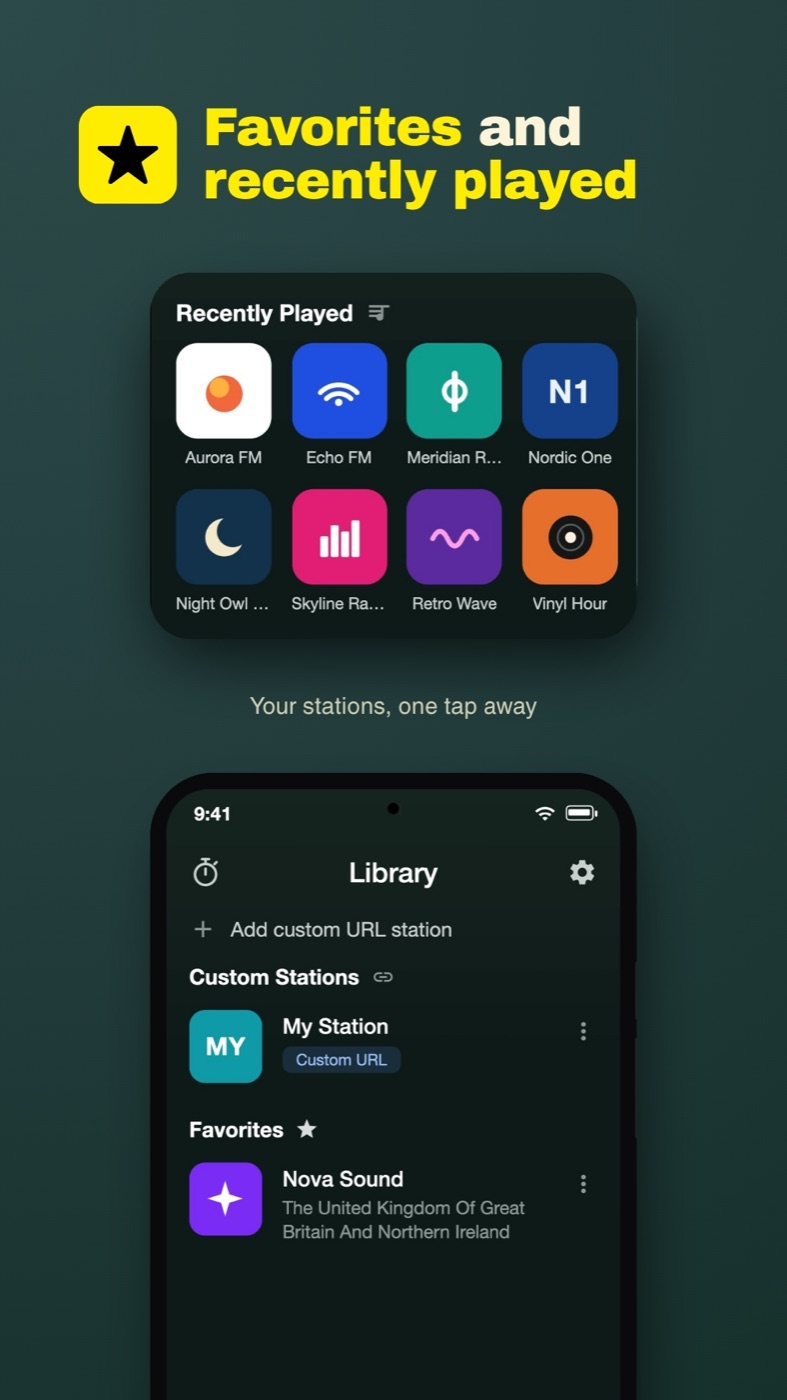
Keep favourites and recently played stations close by, without creating an account.
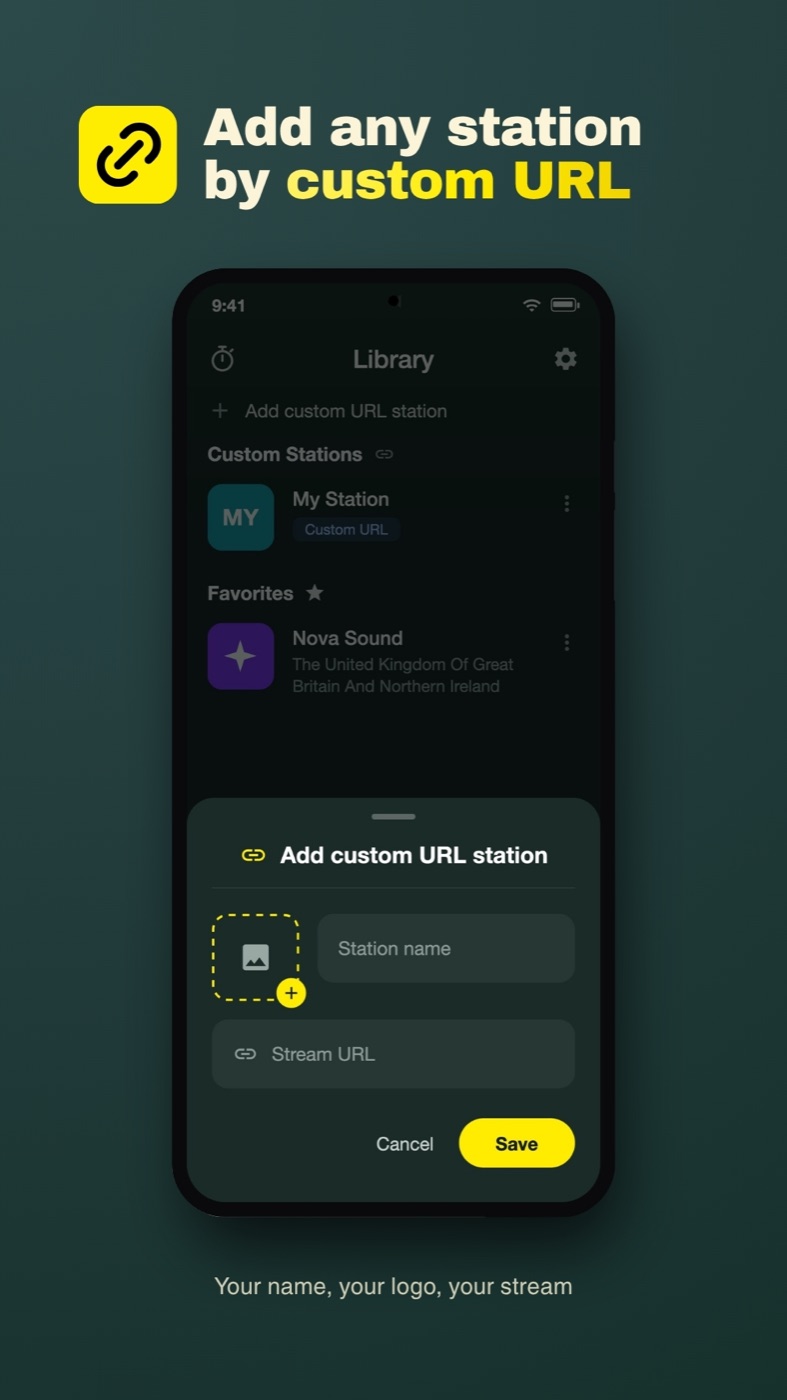
Add a custom stream
Save a direct station stream URL alongside the stations you discover in the directory.
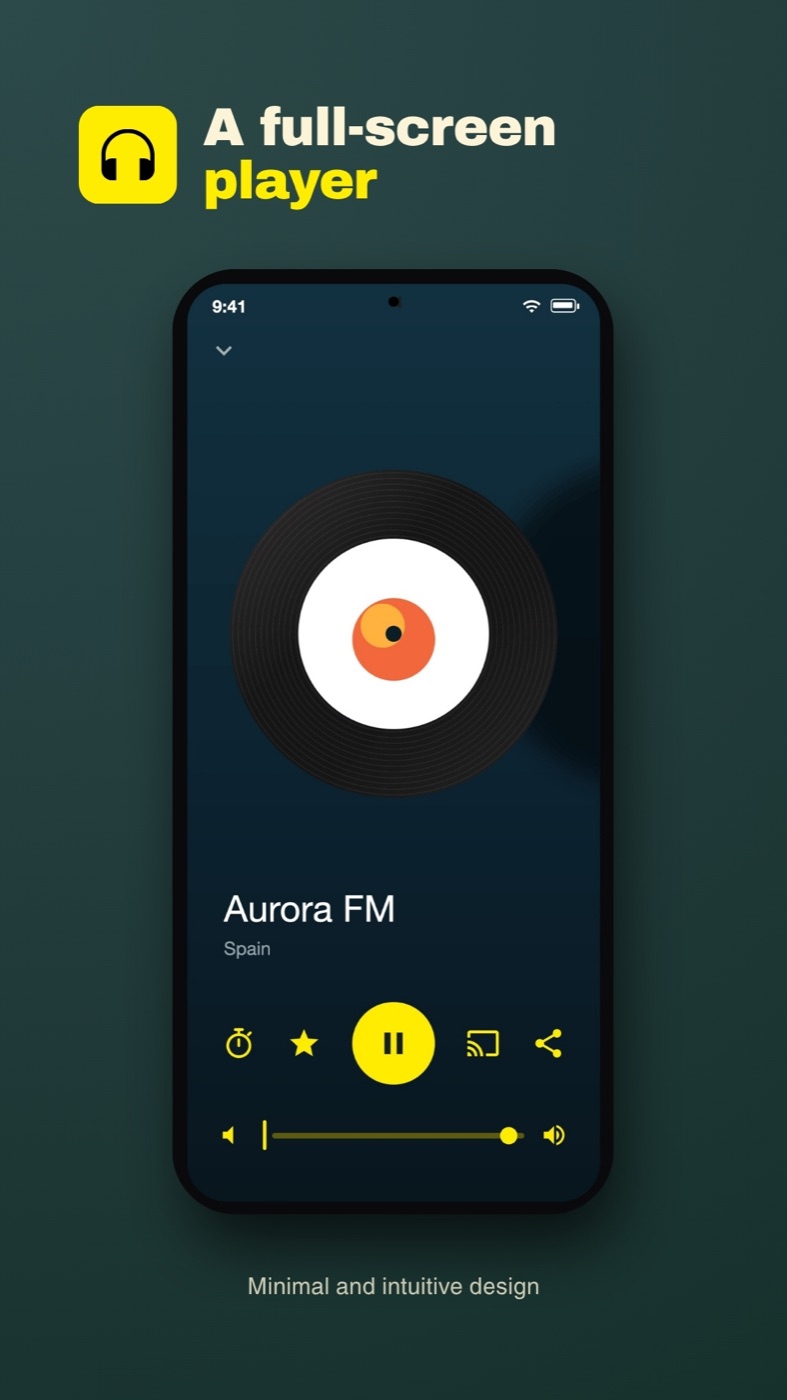
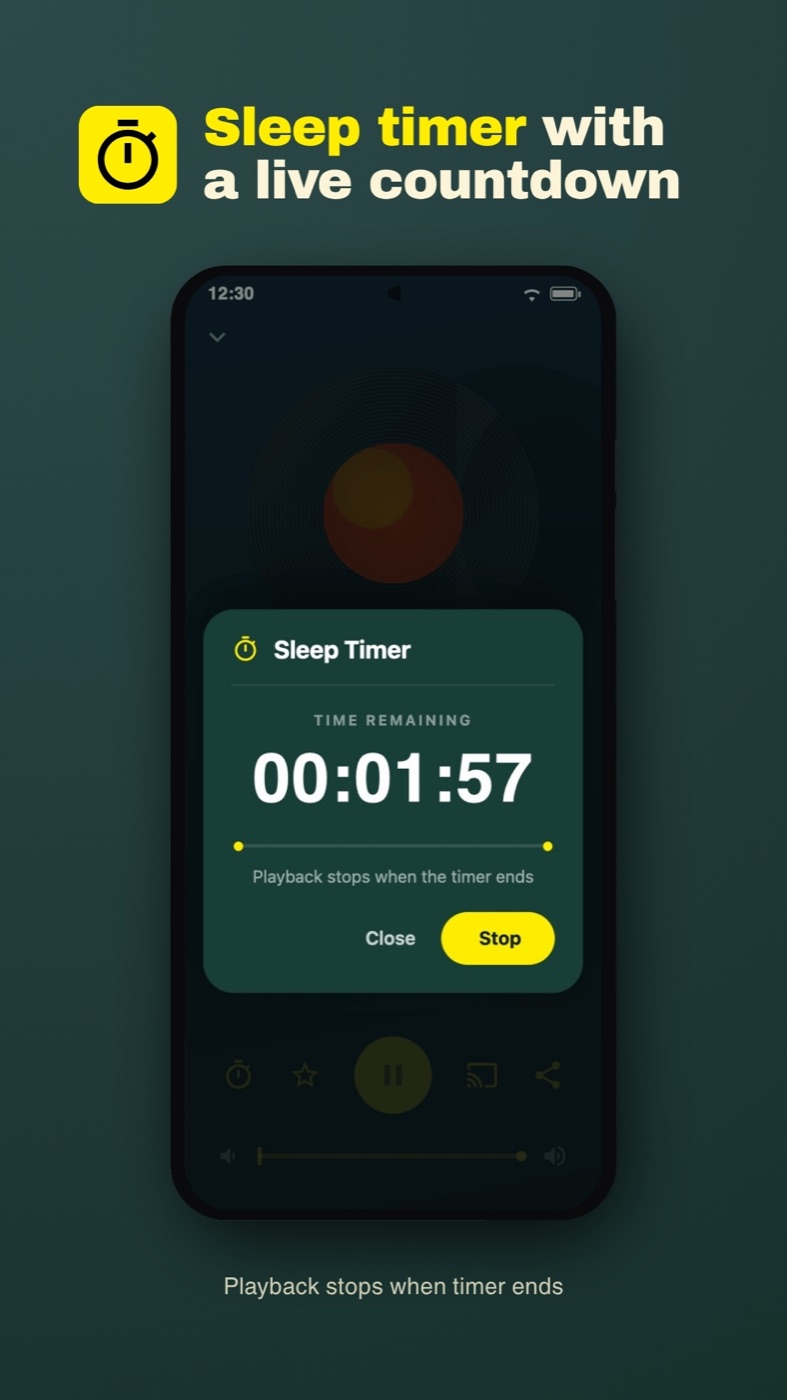
Set a sleep timer
Choose when playback should stop, with a live countdown that remains easy to check.
Station directory data is provided by the community-run Radio Browser project.
Screens
More screens
Good to know
Do I need to install anything to listen?
No. Open the web player in a supported browser and start listening. The Android app is available if you prefer a dedicated app on your phone.
Do I need an account?
No. Favourites, recents, custom streams, and settings are stored locally in your browser or on your Android device and do not sync between them.
What controls website analytics?
Optional website analytics can be controlled in the web player's Settings. Your saved favourites remain in local browser storage.
Why is a station sometimes unavailable?
Stations provide and operate their own streams. A stream may move, go offline, restrict a region, or stop working temporarily; Global Radio Plus does not control its availability.